Start on one device
Open IcyZip in the browser that should display the QR code.
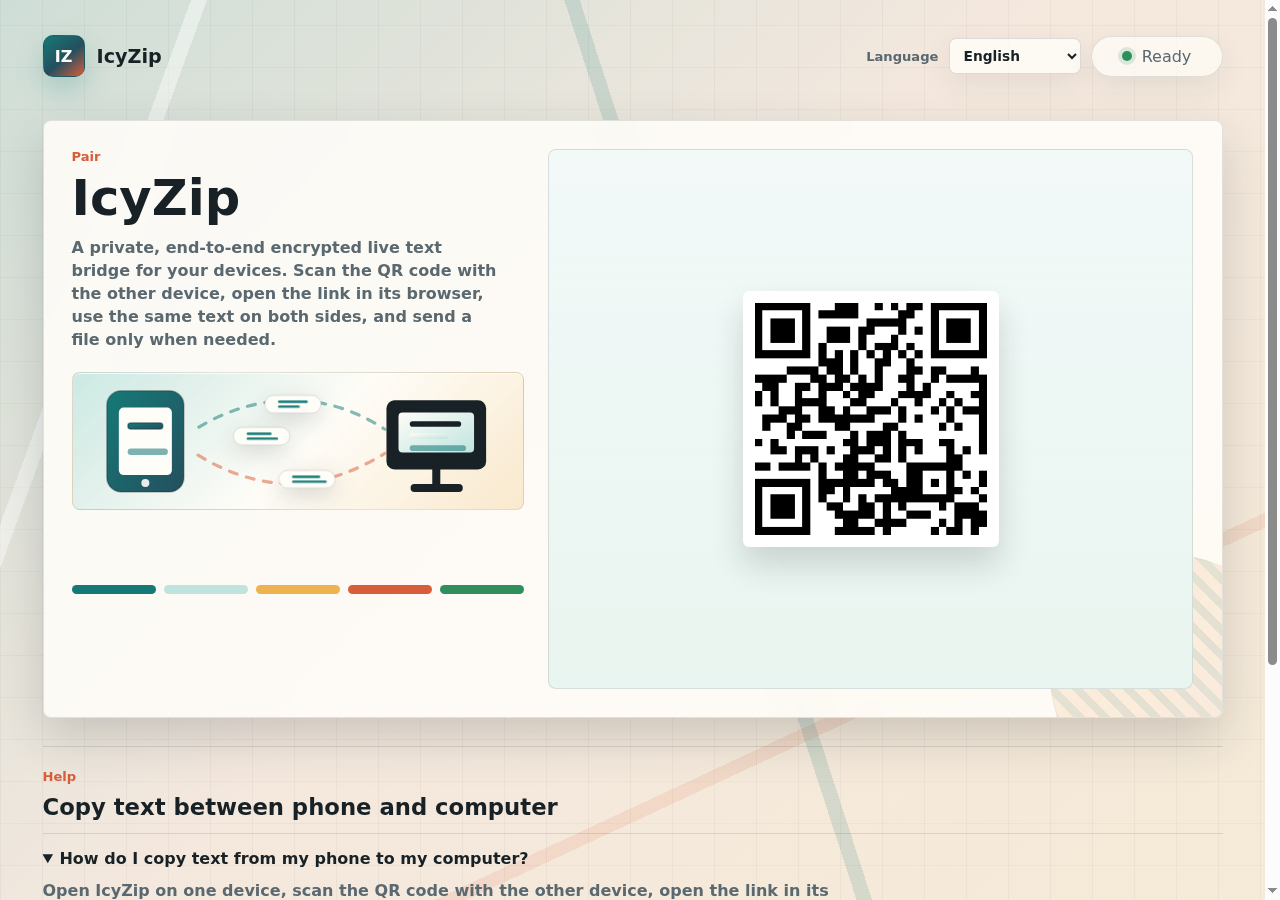
Scan to pair
Open IcyZip on one device, scan the QR code with another browser, and move live text or one selected file between phone, computer, laptop, or tablet.
How it works
IcyZip is built for quick device handoffs. The QR code opens the pairing link so the second browser can join the active session.
Open IcyZip in the browser that should display the QR code.
Use the second device to scan the QR code or open the pairing link.
Use live text immediately, or choose the file action to send one selected file.
Device handoffs
Scan from a phone and send a photo, export, document, link, or code to the computer browser.
Move text or one selected file to a mobile browser without emailing it to yourself.
Pair two browsers directly for a quick live exchange instead of setting up a shared folder.
Complete the handoff while both paired browsers are connected.
Security and privacy
Current product clients encrypt live text and file bytes before transport. The QR code connects the paired browsers; the receiver decrypts the content after it arrives.
The QR code opens the pairing location that connects the second browser to the active session.
Current browser clients encrypt live text and file bytes before sending them through the service.
The service processes timing, browser class, message sizes, filename, file size, type hint, and transfer identifiers to coordinate the handoff. The privacy policy explains these operating details.
Choose and send one file up to 25 MB per transfer.
FAQ
Open IcyZip on one device, scan the QR code with the other device, wait until both browsers are connected, then choose the file action and send one selected file.
No. IcyZip runs in the browser. The QR code opens the pairing link in the second browser.
Yes. Start on the computer, scan with the phone, and transfer text or one selected file while both browsers stay connected.
The QR code opens the IcyZip pairing link so the second browser can join the active transfer session.
Current product clients encrypt live text and file bytes in the sending browser and decrypt them in the paired receiver. The privacy policy explains the operating data used to connect the pair.